Features
Powerful Features
Discover all the tools that make ChatPal the ultimate proximity-based messaging app. Private, convenient, and packed with features.

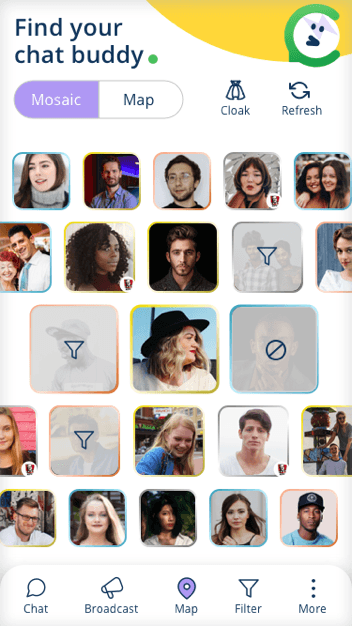
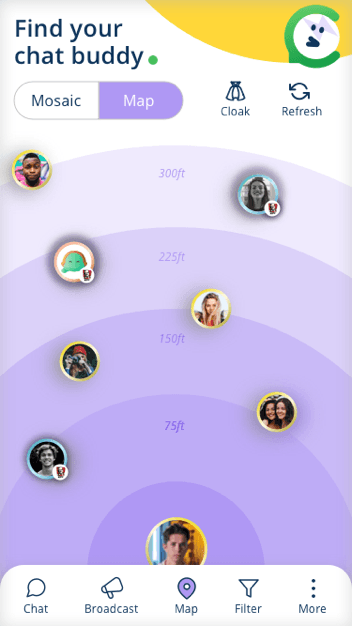
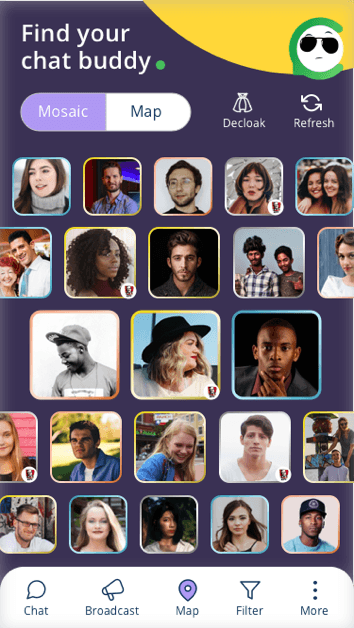
Radar Map/List
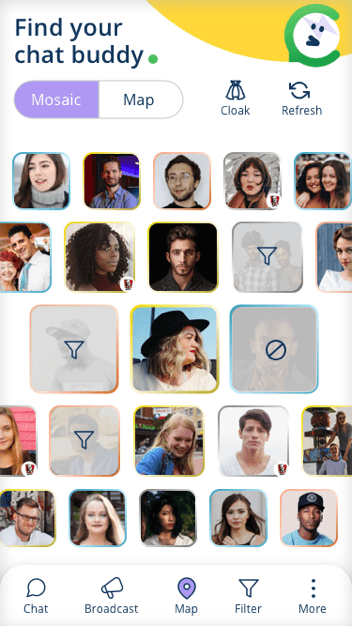
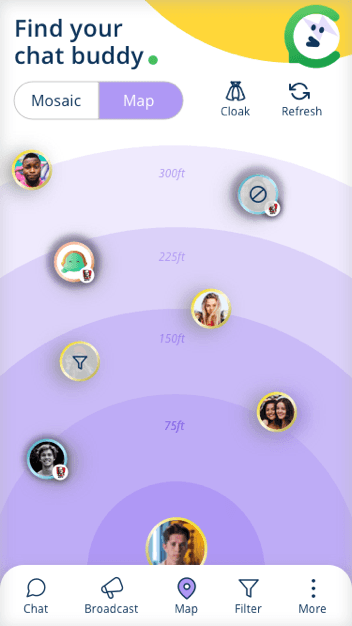
Choose the radar map or list view to find out who is around you. See avatars on a real-time map or browse through a list of nearby users.

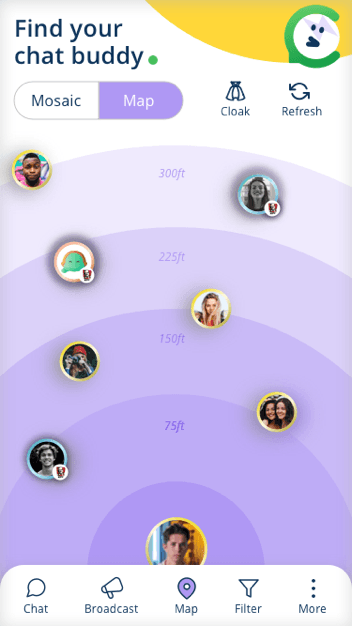
Cloak
Get into "ghost" mode and cloak yourself if you are not in a chatty mood. You can still see who's in your radar though. Go invisible anytime.

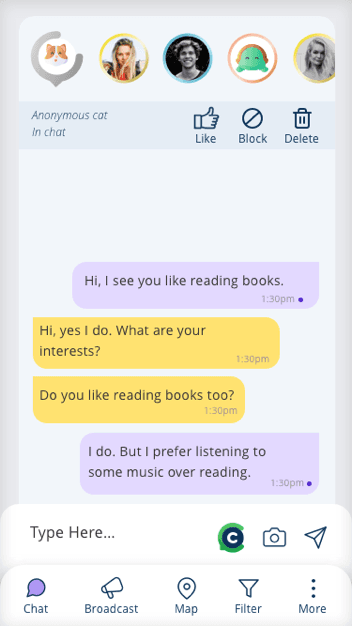
Chat
Chat one-on-one with multiple users around you at the same time. You don't need their contact details! Just tap and start messaging.

Filter
Filter for specific users on your radar you may want to chat with. Find people by distance, chattiness rating, or other preferences.
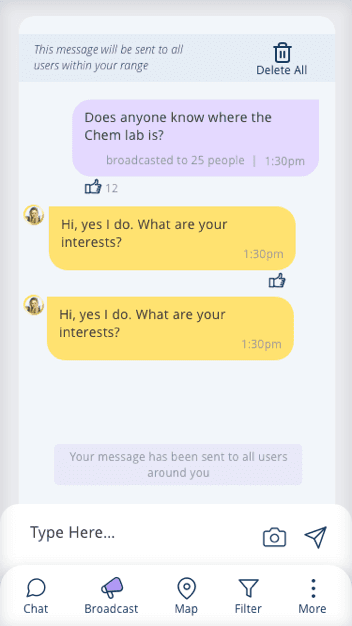
Broadcast
Broadcast messages to all users within your radar. Perfect for announcements, finding friends, or sharing information with everyone nearby.
Auto-Delete
When you leave an area, chat messages get auto-deleted and users disappear from your radar. Complete privacy with zero digital footprint.
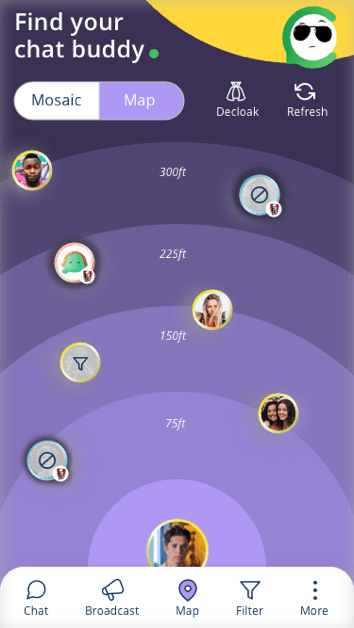
Block & Rate
Block users you do not want to chat with. Rate users based on how chatty they are! The color of the rings around the profile picture indicates how chatty a user is.
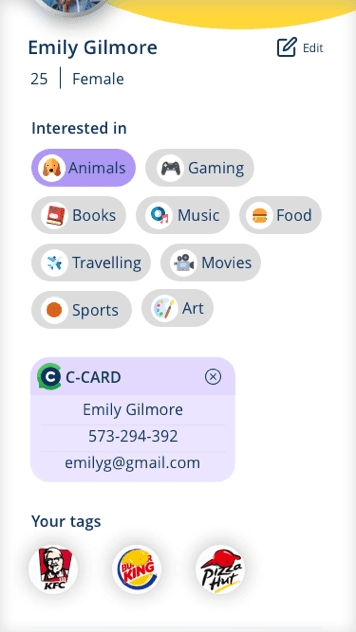
Profile
Create a profile. Only your pic is visible to others. Other details help others connect with you and vice versa. Monitor your "chattiness" ratings!
Notifications
Get notified when someone wants to chat, when you receive a broadcast, or when new users enter your radar range.
Settings
Customize your ChatPal experience. Set your radar range, notification preferences, privacy settings, and more.
Experience All Features
Download ChatPal now and discover the power of proximity messaging on your own device.